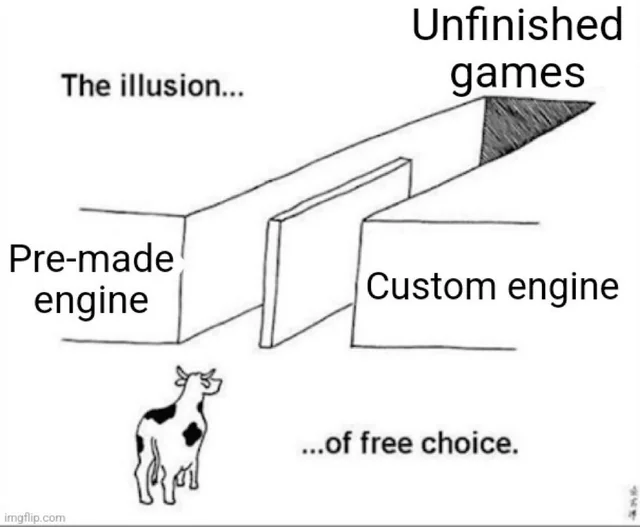
RATH is the first half of a long-term idea (maybe delusion 😆) I have of creating a game with my own game engine. I planned on learning UE5 over the summer and using that instead, but I found I wanted to understand the internals of how things actually worked rather than have them abstracted away from me. I was dabbling in some OpenGL and Vulkan at the time so I thought, "why not make my own game engine instead?"
RATH - the inspiration and long term goals
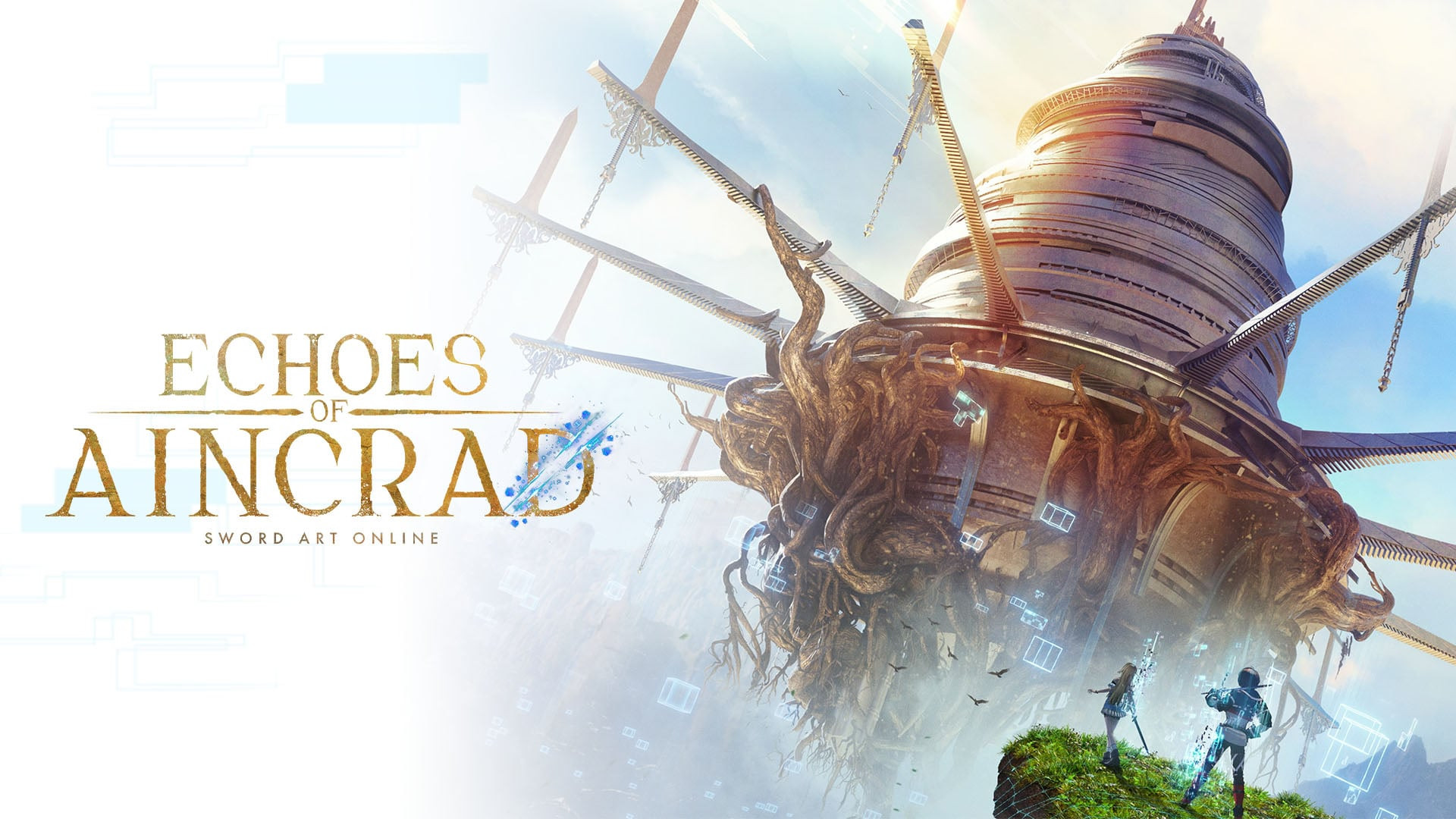
The game Echoes of Aincrad [2] was set to release around the same time I decided to start my game engine, and it really caught my eye. Echoes of Aincrad is based on Sword Art Online [3], where the initial premise of the show was being trapped in a 100-floor death game, where players would need to clear every floor to escape. However, to the dismay of myself and others, this game only features the first 2 floors (at the time I'm writing this at least). I personally think that this premise is fascinating and is something I would like to attempt to create, hence the name RATH for my game engine, a reference to a tech research company [4] later in the show.
The goal for RATH would be to eventually be a tool I would use to develop games, meaning it would need to support model loading, skeletal animation, collision, audio, and game UI. And if I wanted multiplayer capabilities, networking. In addition to being inspired by Sword Art Online's concepts, I want to create games that I would personally play (like FFXIV [5]) so the engine should also be able to handle large open world scenes. But this is all just wishful thinking, and my main focus now is just to learn the basics of Vulkan.
Starting with the Vulkan Tutorial
I started with the Vulkan Tutorial by Alexander Overvoorde [1], which I knew going in was not up to date with Vulkan. It teaches the renderpasses and framebuffers, but Vulkan 1.3 made dynamic rendering part of core you can render straight into image views without creating either object [6].
Render passes and framebuffers are more work to set up, and setting them up by hand helped me understand what they actually do instead of abstracting it away. Moving to dynamic rendering later is a change I would make once I understand Vulkan a little better.
I spent around 4 months going through the tutorial, where I went through the whole tutorial 3 times, once with paper, once closely following the tutorial's code, and the last time with a few structural changes:
- I used classes instead of one file. The tutorial builds everything as one
HelloTriangleApplication. I split it by ownership, so context, device, swapchain, render pass, pipeline, and the buffer and image types are all their own class. - enginemath instead of GLM. My own math library, which meant translating every GLM call rather than copying it. It also has no
std::hashspecialisation, so the tutorial's vertex deduplication block does not work as written and I had to write the hash myself. - Vulkan stays out of the application header. Forward declarations plus
unique_ptrmembers, so the game side of the engine never includesvulkan.h. - A platform layer. Window and input are their own classes instead of GLFW calls sitting inline.
- Images and buffers split by role. Separate types for texture, depth, and colour images, and for uniform and storage buffers, rather than one set of helper functions.
Finishing the tutorial gave me a basic Vulkan renderer, not an engine. My next steps will be pulling the loaded object out of the main code and adding some sort of scene creator/manager for objects.